thankQ Help
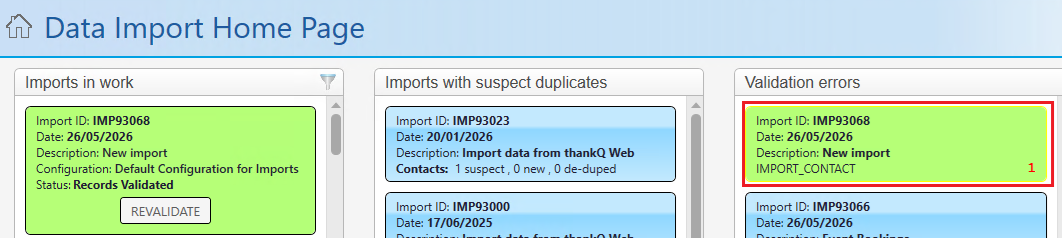
Validation errors can appear in this section for a number of reasons. To check a validation error open the Validation Errors tab and go to the specific record to check what the error is:
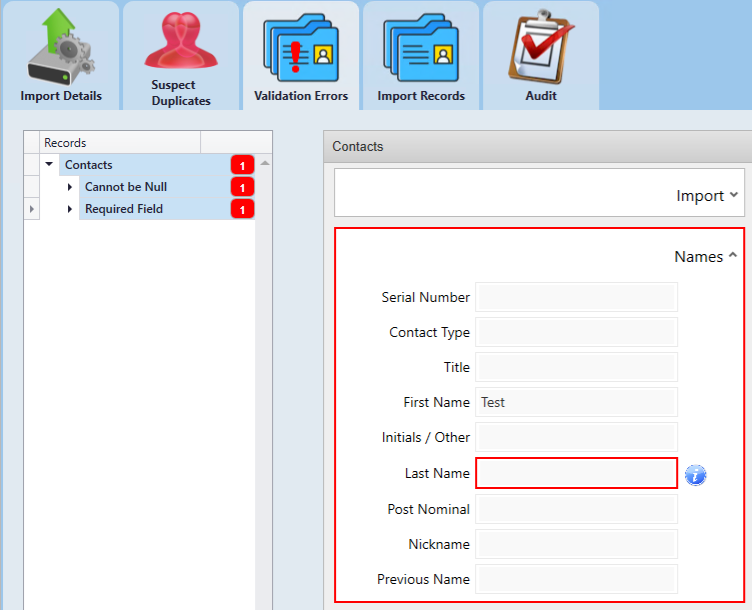
You can then track the individual reason why the error occurred by hovering over the i icon.
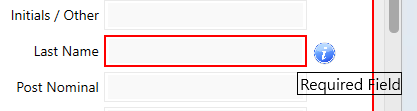
See the Common Validation Errors article for additional details on validation errors and resolutions.
In addition to Validation Errors you may get orange coloured warnings. These are similar to Validation Errors in that warnings will block the affected records from being imported until a decision is made regarding what do with the record. If you receive a warning you may do the following:
If you want to accept the incoming change, click Ignore to dismiss the orange warning. Click Ignore All if you want to dismiss all of the records with warnings:
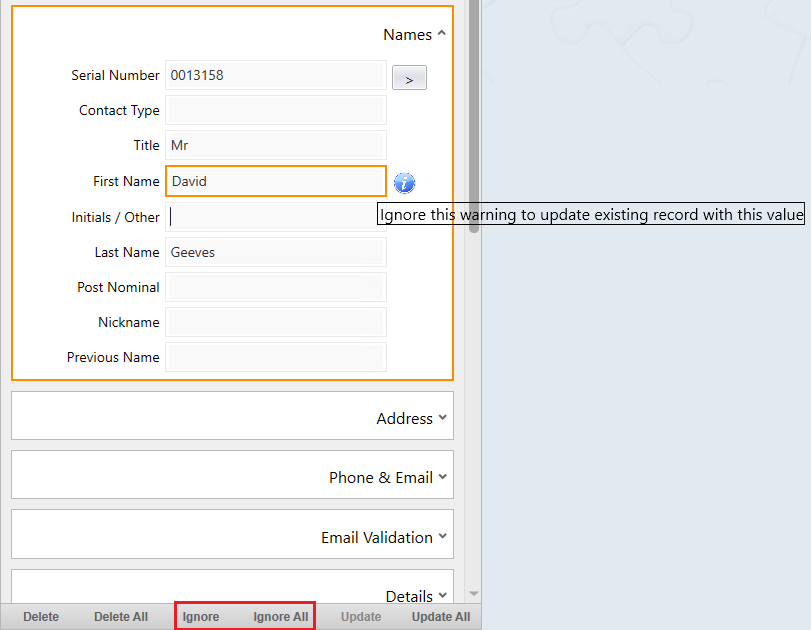
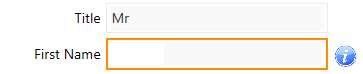
If you do not want to apply the incoming change, click into the field, remove the value, and then click Update or Update All for multiple record changes:

Caution: Do not click Delete unless you want to remove the entire incoming record from the import. Delete does not just remove the field value; it excludes the whole record from being imported. Delete All removes ALL records with a warning in it.