thankQ Help
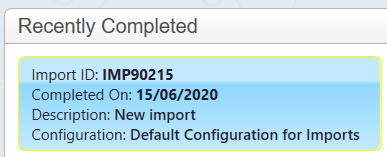
1. Double click on the import under the Recently Completed window.
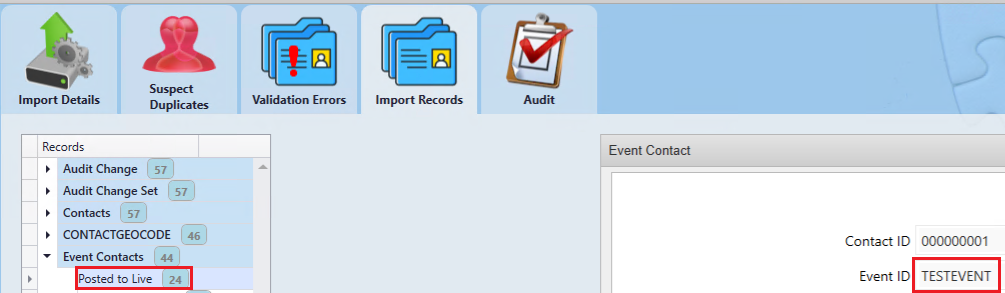
This will open to the Import View.
2. Find the Event Contacts and then copy the Event ID:
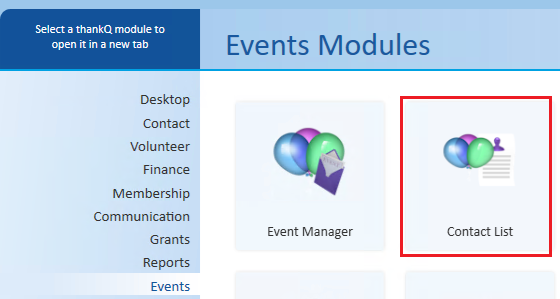
3. Open the Contact List and search for the Event:
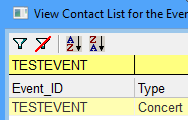
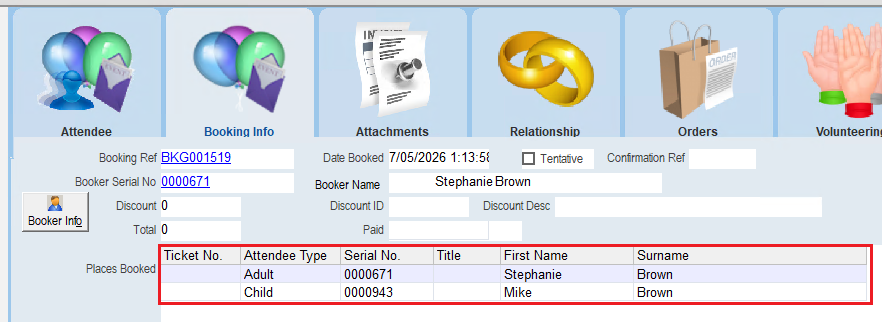
4. You will now be able to see the imported bookings: