thankQ Help
There a large number of other records that can be imported into an Event, this includes Structures, Sessions, Sponsors, Profiles, Orders, etc.
To import these records you will need to create a new thankQ spreadsheet and populate it with the required data.
The following data will be required no matter what event import records you are adding:
- Event ID
- ContactID or Serial Number (if you are importing a record to an event contact such as Event Contact Profiles)
- Any other mandatory columns that are required for this record, for example an Event Resource requires a Type while a Structure requires a Description, Capacity, Cost and Type. If you are unsure then check within thankQ by manually adding a record or checking any validation errors that appear during the import.
Once you have populated your spreadsheet and have added the spreadsheet to thankQ you can then map the spreadsheet fields into thankQ via the column mapping feature. Double click on any of the unmapped columns to map it to thankQ:
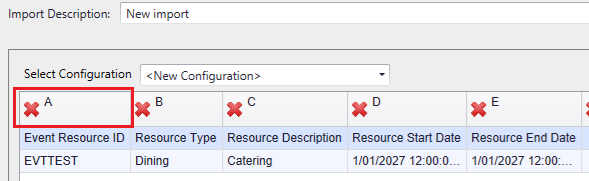
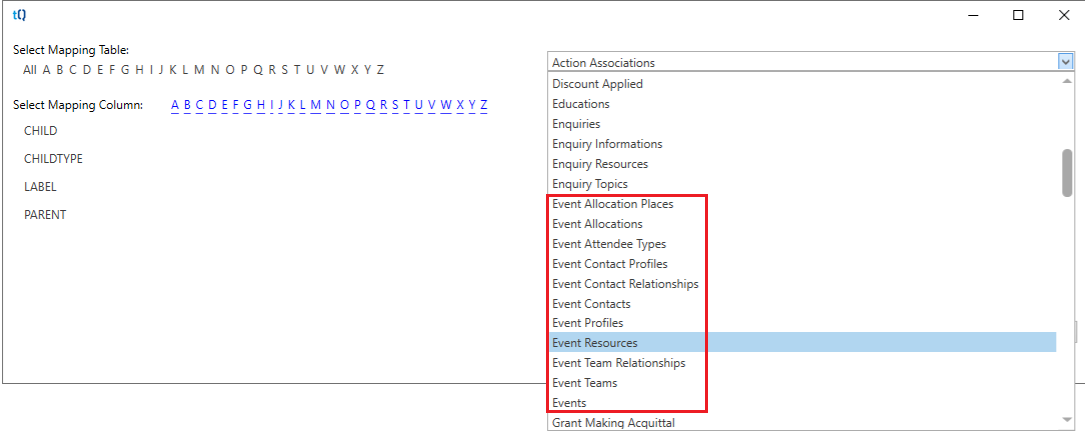
From here you can find all of the tables or columns you want:
Select the column that you want to map this to:
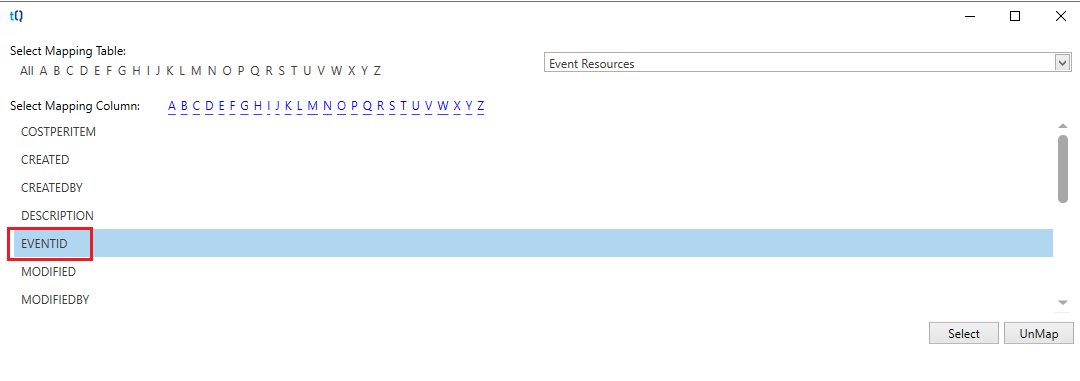
Then repeat this for all unmapped columns:
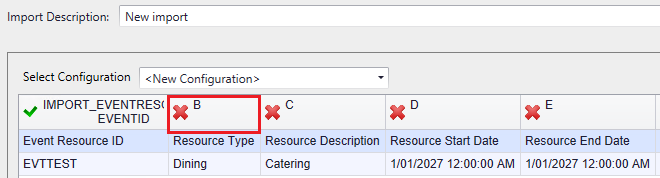
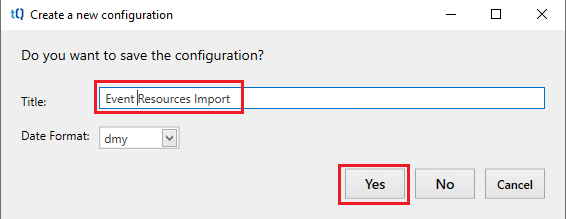
When you are ready use the Log Data option and make sure that you save this mapping for future use, that way you won't have to remap these individual columns again: