thankQ Help
If your chosen Event has Sub-Events included then the different Sub-Events can be selected based on the different dates you have setup in thankQ for those Sub Events.
To set this up perform the following steps:
1) Make sure that the Sub Events are setup in thankQ, that Web Publish is selected and that you have run Web Sync. See Sub-Events for additional details on how to set these up in thankQ.
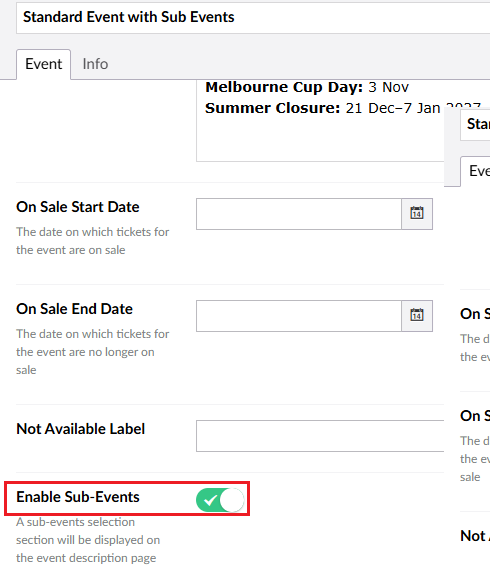
2) Make sure you have selected Enable Sub-Events:
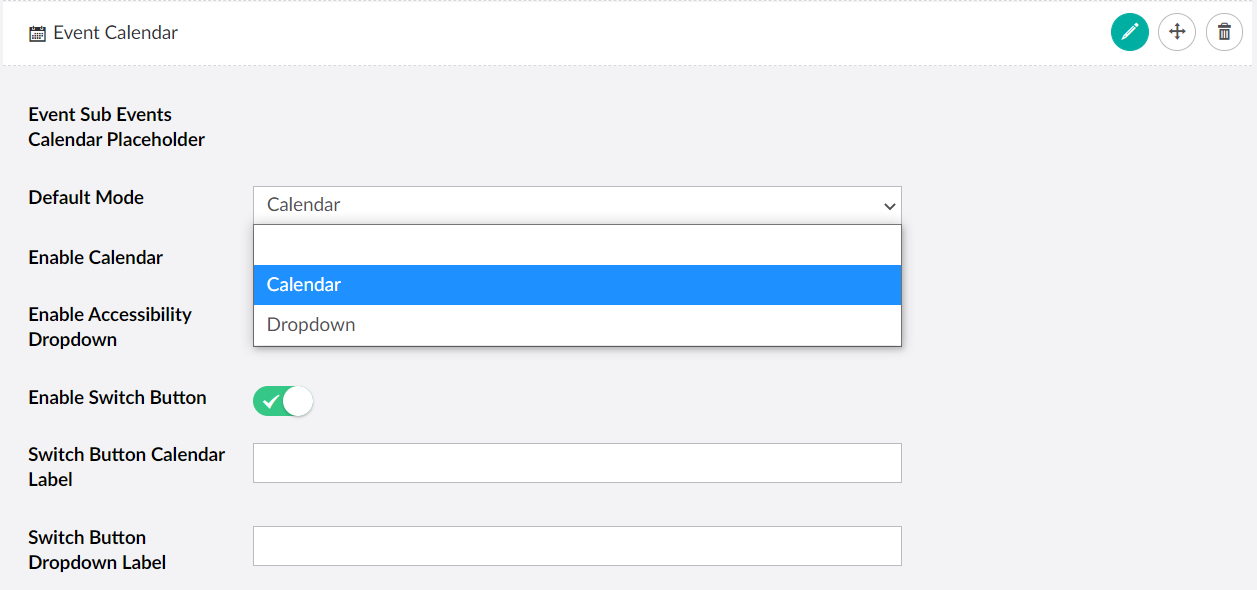
3) When you have added a Calendar to the Event the user will then be able to choose which Sub Event they want to book:
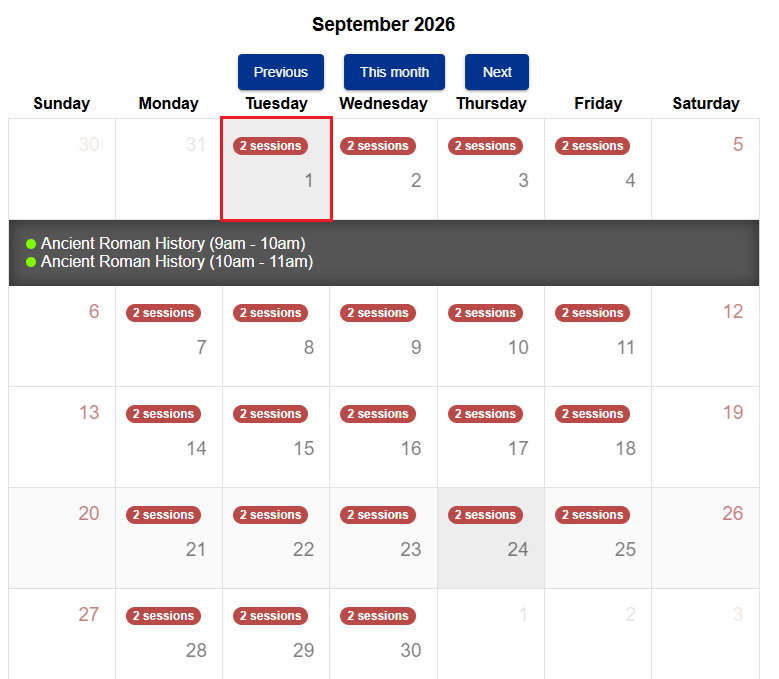
Example of how this appears on the page when Calendar is selected. Note that the dates and times will reflect what you have setup in thankQ and have Web Published. The calender below reflects what was setup in the example presented in Multiple Sub Events:
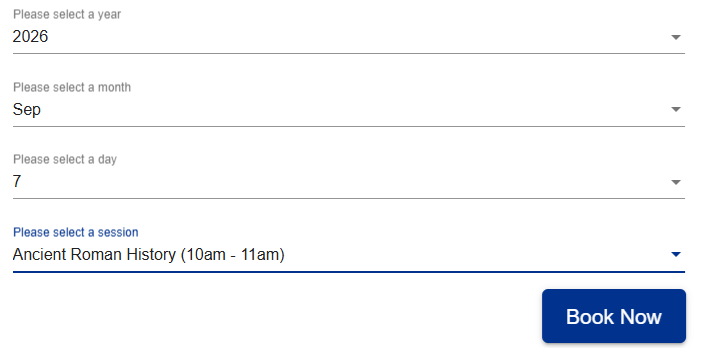
Example of how this appears on the page when the Dropdown option is used: