thankQ Help
Now that we have created and setup the Confirmation and Email pages we can create the Contact page.
You can have a separate Contact and Confirmation Page for the different web pages you set up.
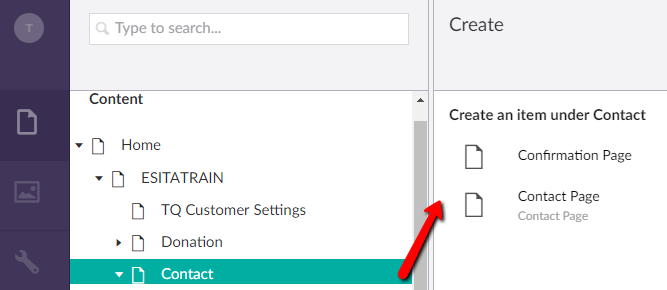
1.Click on the Contact folder in your Web Tools
2.Click on the ellipses … at the end of that line
3.Click on Contact Page
4.Enter a Name e.g. Contact Registration
5.Click Save and publish at the bottom right
Clicking Save and publish will open the various tabs where you can configure the page to suit.