thankQ Help
1.Locate the Sub Event to delete.
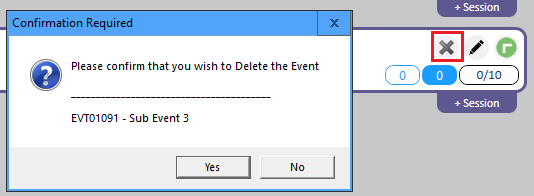
2.Click the X on the Sub Event.
3.Click Yes to delete when prompted:
Note: If there are bookings with an Attending status you cannot delete a Sub Event. All of the contacts will need to be changed to Invited before you can delete it.