thankQ Help
When a benefit item has been completed
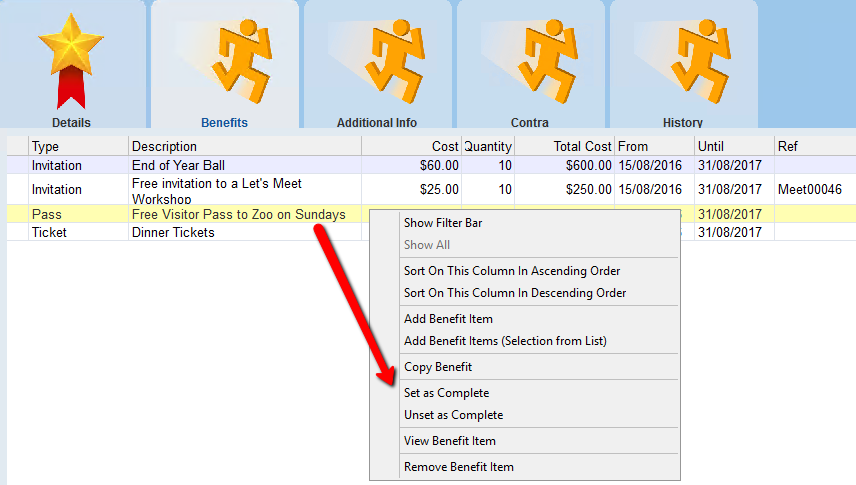
1.Right click on the item in the benefits tab
2.Select Set as Complete
 |
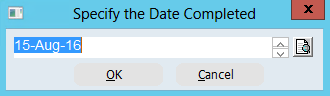
3.Enter or select a date, click OK
 |
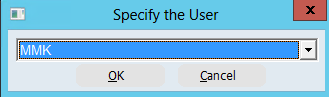
4.Select the User that is completing this item, click OK
 |
A tick is placed beside the item as well as the date and the person who completed the item