Navigation: SPONSORSHIPS > Create a Sponsorship > Benefits on a Sponsorship
View/Edit a Benefit
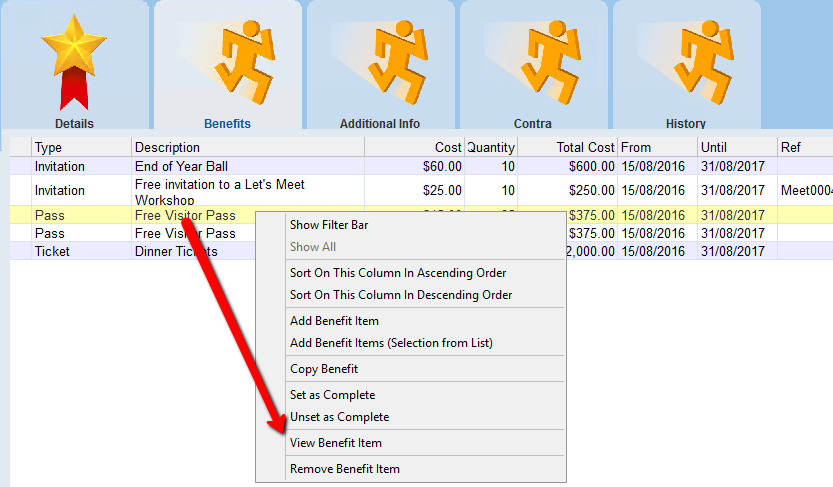
1.Right click on the item in the Benefits tab (double click will open also)
2.Select View Benefit from the menu
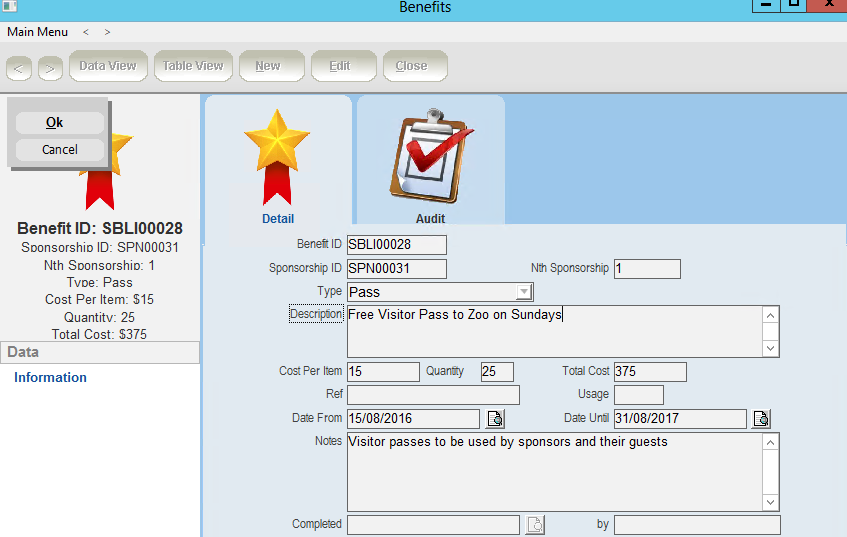
3.Click the Edit button
4.Enter/Edit information
5.Click OK
6.Close the Benefit Items form