thankQ Help
If you need to search for or report on the results of a Questionnaire that has been logged you can open the Questionnaire Results form and run a search.
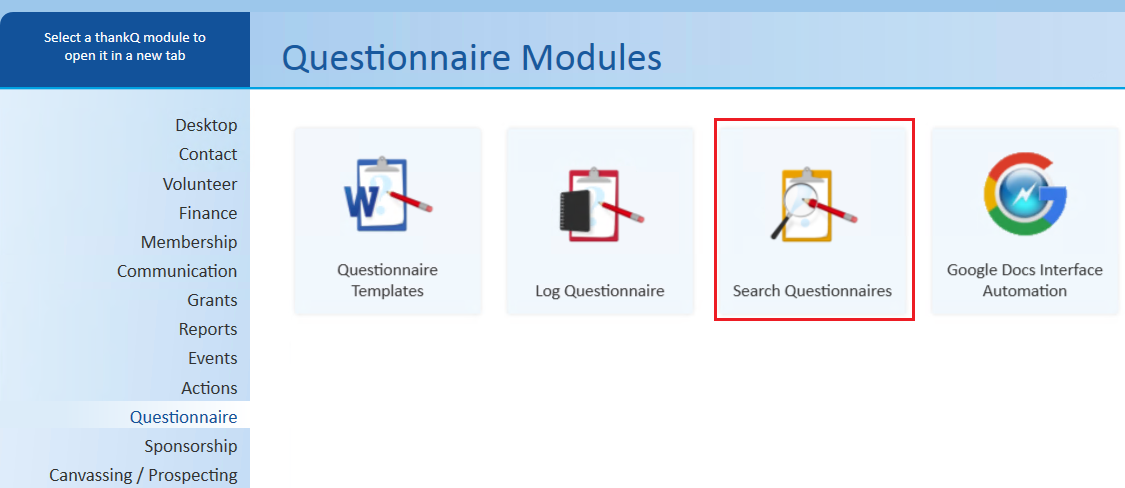
1. Open Search Questionnaires:
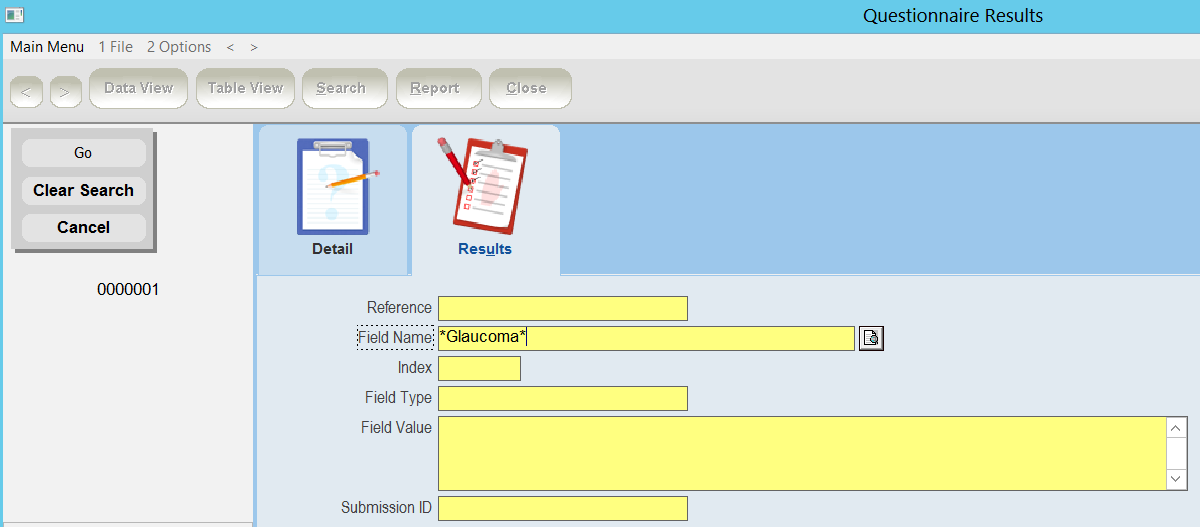
2. Use the Search button and look for the results you want:

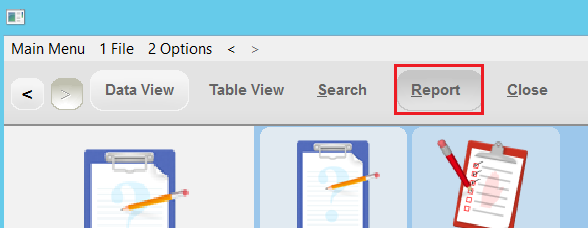
3. Use Report to generate a report on the results once you have searched for the records:
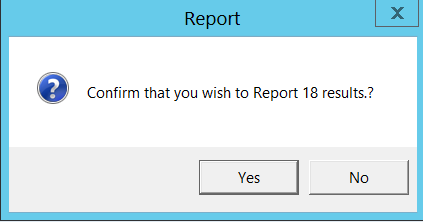
4. Press Yes to continue:
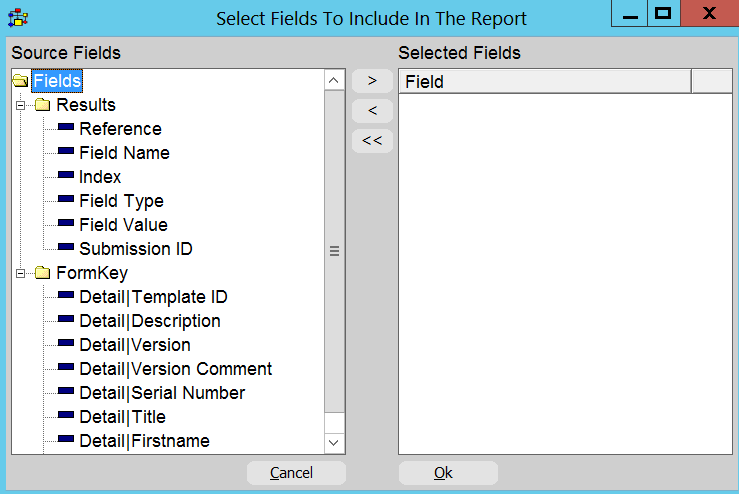
5. Select the fields you want and then press Ok:
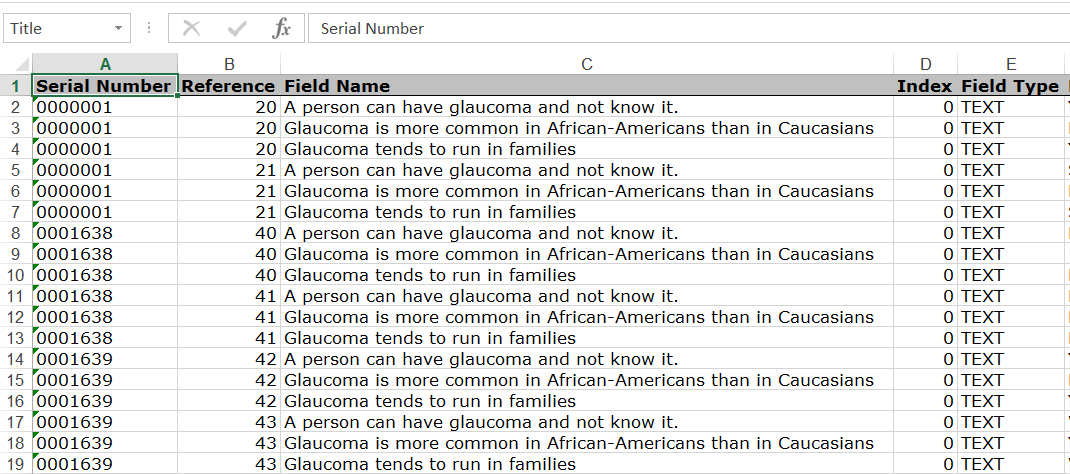
6. The report will then be generated for you: