thankQ Help
The following are the steps required to bulk import new Events and Attendee Types into thankQ:
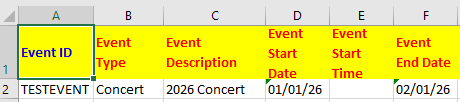
A spreadsheet is required with the following fields:
- Event ID
- Event Type
- Event Start and End Date
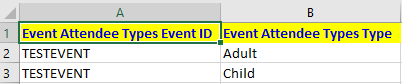
A second sheet with the Attendee Details will also be required as well with the following:
- Event ID
- Attendee Type
You may optionally include other fields for both Events and Attendees such as costs, times, etc.
Example of a spreadsheet that will import a new Event with an Event ID of TESTEVENT along with two Attendee Types (Adult and Child):
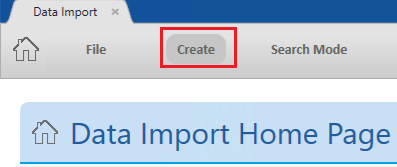
1. Click Create on the tool bar of the Data Import form.
2. Click the ellipse on the Excel Input File line:

3. Locate and select the import file:
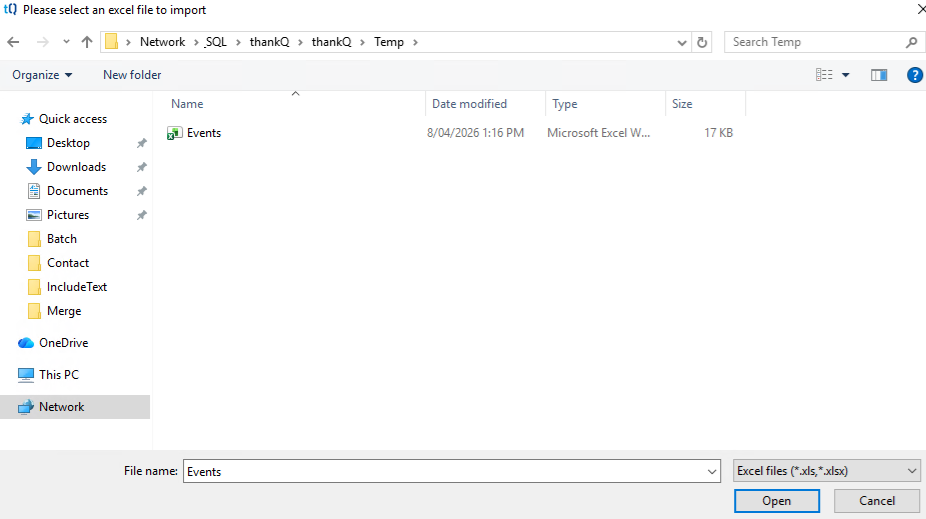
4.Verify that the fields are correctly mapped in thankQ.

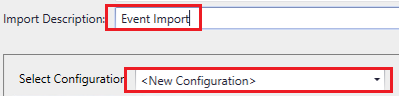
5. Enter an Import Description and then select the Default Configuration or a New Configuration, if applicable:
6. Click Log Data at the bottom right:
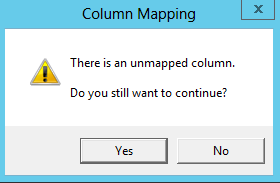
7. Click Yes if this message appears and you can proceed with unmapped fields:
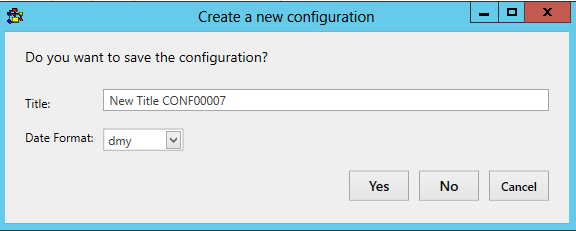
8. Click Yes to save the configuration or No to continue:
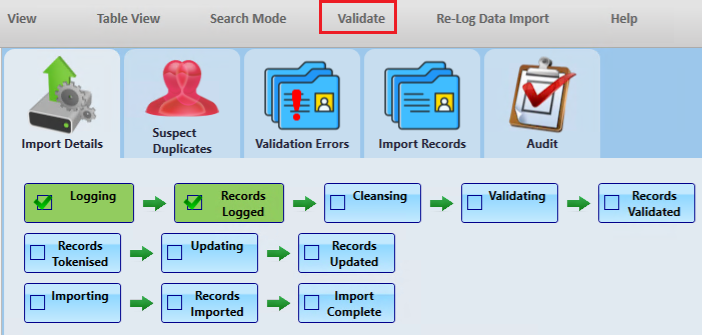
9. Click Validate on the import under Imports in work:
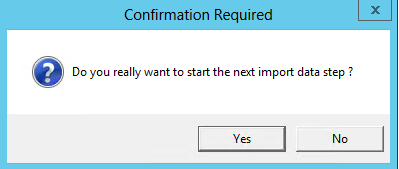
10. Click Yes to continue:
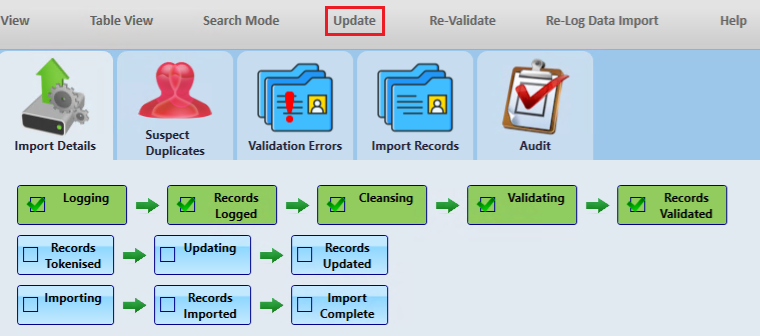
11. Click Update if there are no suspect duplicates or validation errors:
12. Click Yes to continue:
13. Click Import after performing the update:

14. Click Yes to continue:
The new event(s) will then be imported into thankQ.